Logging into the Student GAPPS Email
1. Log into Google Chrome - Instructions are available on how to log in to Google Chrome.
Reminder: If you are supporting a student with signing into Chrome, first confirm their username and password.
-
Username: number@gapps.yrdsb.ca
-
Password: a combination of letters and numbers
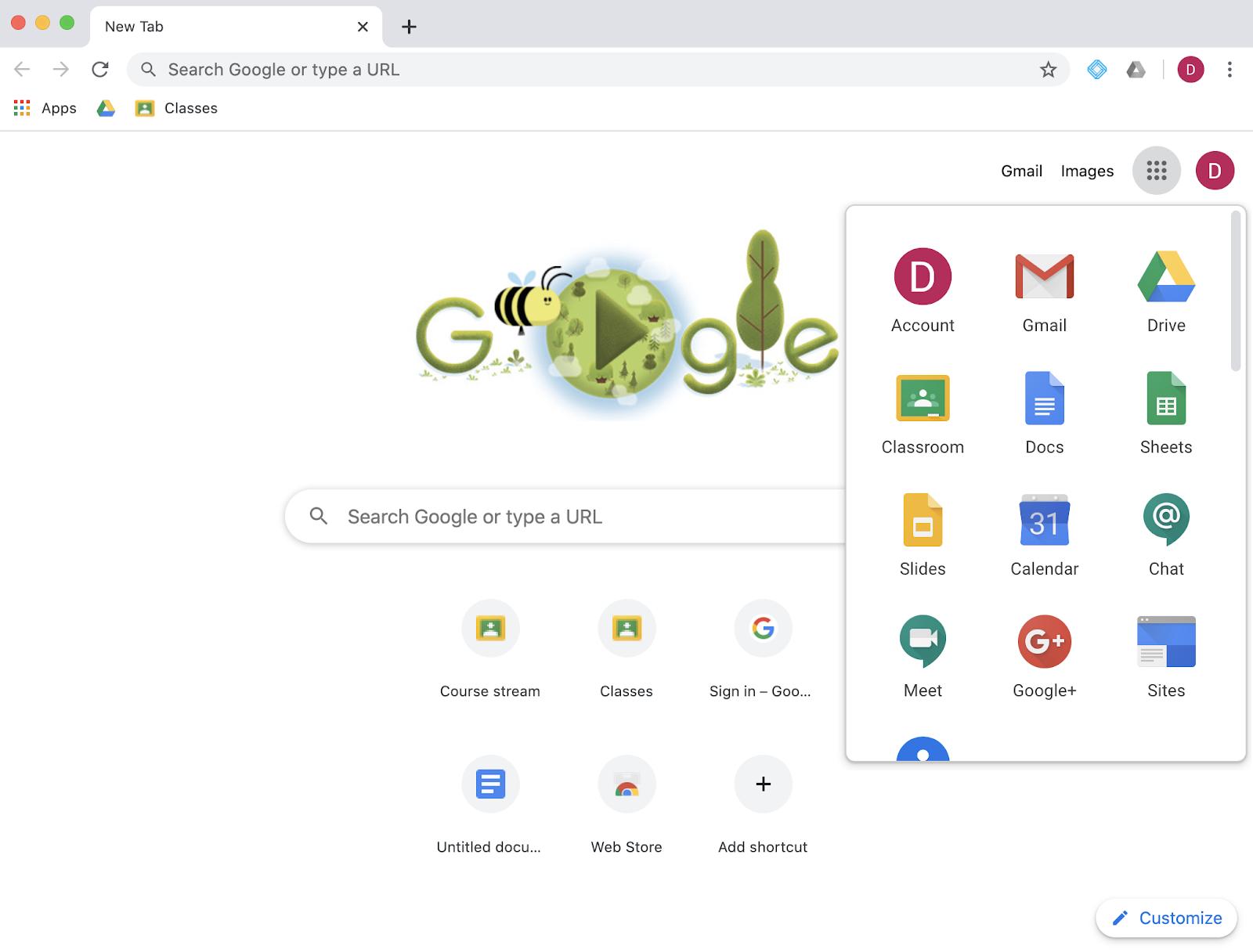
2. Now that the student is logged into Chrome, they can click on the 9 dots, “the waffle”, to access Drive, Classroom, and all the G Suite apps. They will already be logged into their GAPPS account.
3. To access the GAPPS email, click on the Gmail icon. If the icon is not visible, scroll down in the Waffle menu to find it.
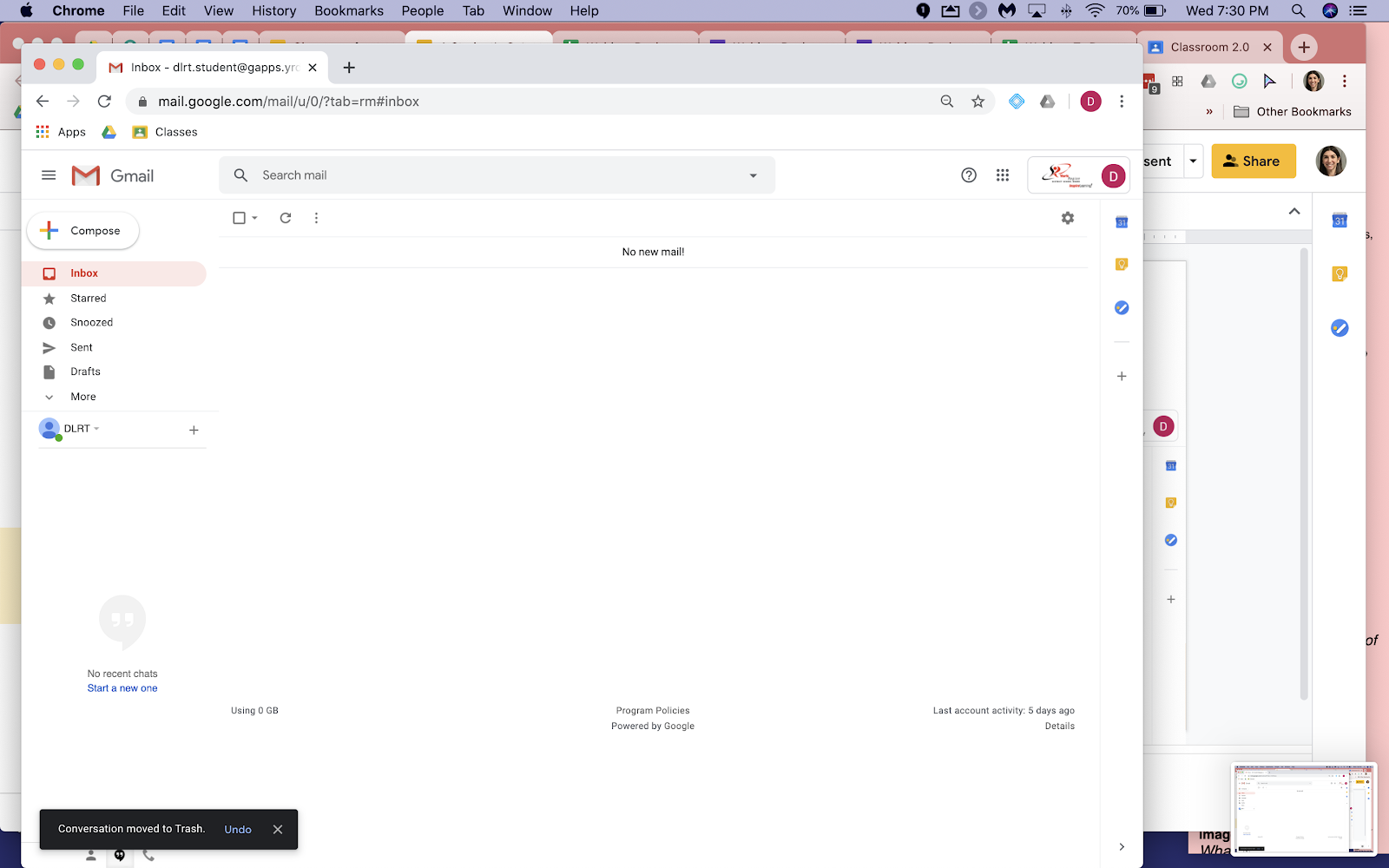
Before the student receives any emails, this is what the inbox will look like. When the student receives a new email or notification from Google Classroom, it will be bolded until it is opened.