

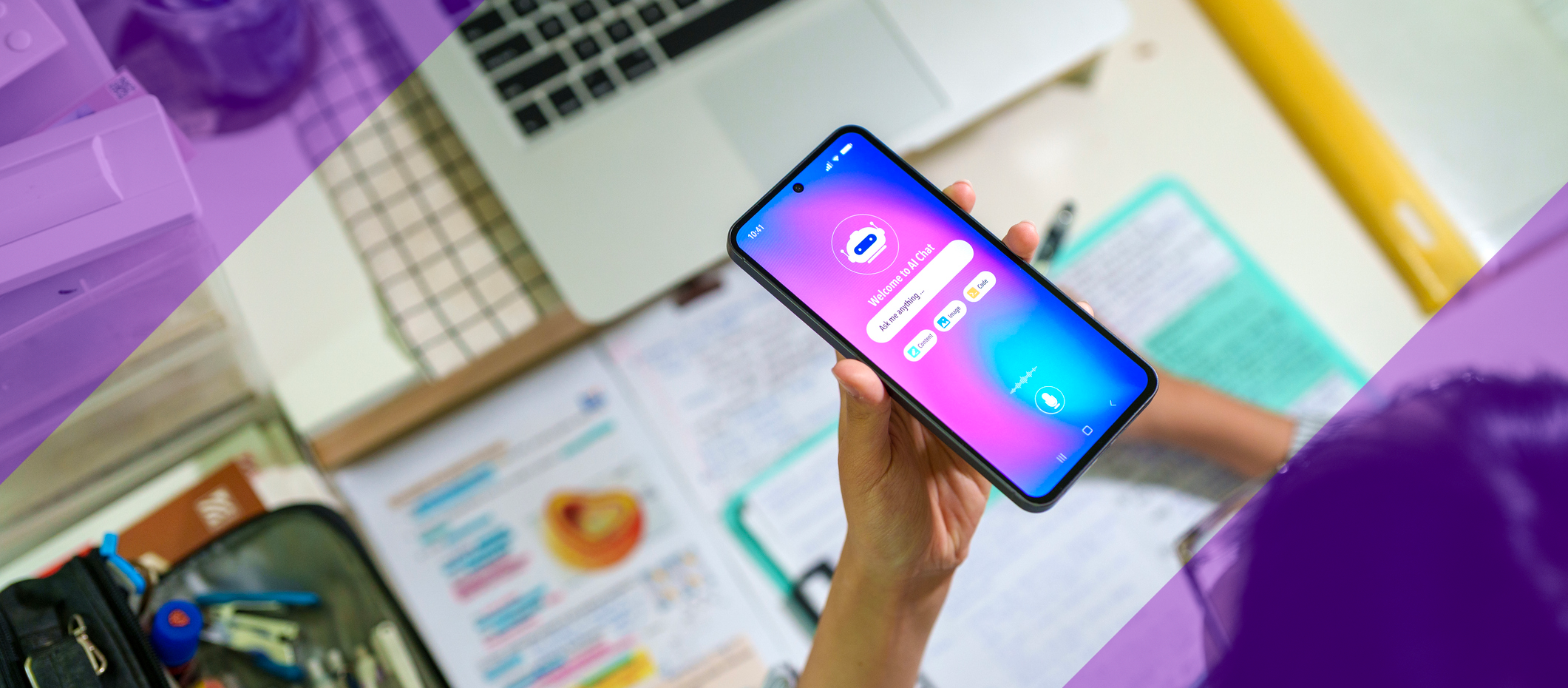
Navigating Artificial Intelligence (AI) in Your Learning Journey
Artificial Intelligence (AI) has become part of everyday life and learning. You may already be using AI without realizing it through predictive text, recommendations or digital tools that support writing and studying.
Generative Artificial Intelligence (GenAI) can create new content such as text, images, audio or code. When used thoughtfully, AI can be a helpful learning support and creative partner.
These guidelines are designed to help you understand how to use AI responsibly, ethically and effectively to support your learning without replacing your own thinking or effort.
The purpose of these guidelines is to support Grade 7-12 students in understanding how to use AI technologies responsibly and effectively. These guidelines work alongside other important YRDSB policies and procedures, including:
Technology Use. Highlighting appropriate use of technology (Policy and Procedure #194.0, Appropriate Use of Technology).
Data Protection and Privacy. Emphasizing that students should never enter personal information about themselves or others (like names, birthdates or addresses) into AI tools unless specifically approved and guided by an educator (Policy and Procedure #158.0, Privacy).
Academic Integrity. Highlighting the importance of proper citation when using AI tools for assignments, and understanding that work created by AI should not be presented as your own (Policy and Procedure #305.0, Equitable Assessment Evaluation and Communication of Student Learning and Achievement).
How YRDSB Approaches AI
YRDSB’s approach to AI is guided by three key areas:
- Knowledge: Understanding what AI is, how it works and how it can be used to support learning.
- Critical Thinking: Evaluating accuracy, bias and limitations in AI-generated information.
- Accountability: Using AI ethically, protecting privacy and maintaining academic integrity.
AI is a learning support tool. It does not replace your thinking, creativity or effort.
Knowledge: Understanding Artificial Intelligence
What Is Artificial Intelligence (AI)?
Artificial Intelligence (AI) is technology that can mimic intelligent human behaviour, such as reasoning, learning and problem-solving.
AI isn't entirely new; you've likely encountered it in everyday tools like navigation systems that choose your travel route or grammar checkers that suggest spelling corrections.
What Is Generative Artificial Intelligence (GenAI)?
A regular web search finds information that already exists. GenAI creates new content based on the instructions or prompts you provide.
GenAI systems are trained on vast amounts of data to recognize patterns and relationships. This allows them to generate content such as text, images, videos, audio, and even software code.
Even though AI can create amazing things that seem human-like, remember: your AI chatbot does not understand, feel emotions or have thoughts as you do. It processes and finds patterns in information.
What Is AI Literacy?
AI literacy means understanding:
- what AI is and how it works
- what AI can and cannot do
- how to use AI responsibly and ethically
- how to recognize bias or inaccurate information
Being AI literate helps you make informed decisions, protect your privacy and prepare for future learning and work.
How AI Can Support Your Learning
AI tools can be helpful, but like any tool, it's important to know how and when to use them effectively.
Think of AI as a partner in your learning journey, not a replacement for your own brainpower and creativity.
Examples of responsible use include:
- brainstorming ideas or topics
- studying with AI acting as a tutor
- creating study notes
- understanding complex concepts
- proofreading grammar and spelling
- learning new skills
- organizing research or notes
Always review, revise and improve AI output using your own thinking.
Critical Thinking: Be a Critical AI Consumer
What is Critical Thinking?
When we use critical thinking skills, we:
- analyze information
- evaluate its reliability
- make judgments based on it
- consider multiple perspectives
When using AI, we want to take a human-centred approach.Your own inquiry, reflection and critical thinking are always the most important part.
Human-Initiated, Human-Led Learning
Your learning should always start and end with you.
Use this approach:
You → AI → You
- Start with your own idea or question.
- Use AI to support your thinking.
- Review, revise and understand the final result.
AI is a powerful tool to help you, not to replace your own thinking.
Ask Yourself When Using AI
- Is AI truly helping me learn, or just doing the work?
- What information is the AI using?
- Could the output be biased, incomplete or inaccurate?
- Are any perspectives missing?
- How could this tool be misused, on purpose or by accident?
Understanding Bias in AI
What is bias?
Think of bias as a particular viewpoint, tendency or feeling that might be based on incomplete information or simply your own experiences. Bias can arise in AI systems because they are trained on human-created data.
Bias may come from:
- training data
- design choices
- location-based responses
- image or text generation
- unclear or limited prompts
Always question whether AI outputs are fair, balanced and complete.
Evaluating AI Output: The EVERY Method
AI is a helpful tool, but it's not perfect. It can hallucinate, create misinformation or give you an incomplete answer. You are always responsible for the work you submit.
Use the EVERY method to review AI-generated content:
E – Evaluate
Check that your prompt is well-worded. Does the first answer meet your needs?
V – Verify
Check facts, figures, quotes and data using reliable sources. Watch out for mistakes, bias and misinformation.
E – Edit
Refine your prompt and ask follow-up questions to improve the AI's output.
R – Revise
Adjust the results to match your needs, style, and tone. AI gives you a starting point, not the final answer.
Y – You
Are responsible for everything you create with AI. Always be honest about how you are using it.
Accountability: Using AI Responsibly
Academic Integrity
Academic integrity refers to students providing original evidence of their learning and appropriately acknowledging the work of others.
Be transparent: disclose and cite
- Follow the teacher's instructions: Always ask your teacher when and how you may use AI for an assignment.
- AI citation: If you use AI to help generate an idea, write a draft, or summarize a concept, you must disclose your use and cite the AI tool in your bibliography. Never submit AI-generated text as your own.
How to Acknowledge Work from AI (Citing)
When you use generative AI tools (such as Microsoft Copilot or Google Gemini) to support your learning, you must clearly acknowledge their use. This helps maintain academic integrity and makes your thinking and learning process transparent.
The way you acknowledge AI use will depend on the citation style your teacher requires (e.g., APA or MLA). Because guidance for citing AI tools continues to change, students should refer to the most up-to-date instructions provided by the citation style organizations themselves.
APA Style
The American Psychological Association (APA) provides guidance on how to cite generative AI tools, including how to format in-text citations and reference list entries.
APA guidance on citing AI tools
MLA Style
The Modern Language Association (MLA) provides guidance on acknowledging AI-generated content, including how to reference prompts and AI tools used.
MLA guidance on citing AI tools
Describing Your Use of AI
In addition to formal citation, you may be asked to explain how you used AI in your work (for example, in a reflection, footnote, or appendix). This could include:
- what the AI was used for (e.g., brainstorming, revising, checking understanding)
- how you evaluated or modified the AI’s response
- how the final work reflects your own thinking
Always follow your teacher’s specific instructions.
Using AI Safely and Responsibly
Safety and Well-Being
You cannot control everything an AI tool produces, but you can control how you use and share its output.
To support safety and well-being:
- write clear, thoughtful prompts
- read AI outputs carefully
- do not share content that could be harmful or biased
AI tools can also help you explore different perspectives. Try prompts like:
- “What perspectives might be missing?”
- “What are the outliers?”
- “Whose voices are being included or excluded?”
AI should always be used in ways that respect dignity, inclusion and well-being.
Privacy (Data Protection)
Use Board-Approved Tools
To protect your data, use only the AI tools approved by YRDSB. These AI tools, such as Google Gemini and Microsoft CoPilot, do not use the data you enter to train the AI model and have privacy and security measures in place that meet YRDSB standards.
Cybersecurity
Strong security measures are in place to protect the YRDSB computer network systems, the approved digital tools you use and all related data. Like any other online tool, be mindful that using AI can put your privacy at risk. It's essential to be aware of what information you are sharing.
- Do not upload personal information: Do not enter any Personally Identifiable Information (PII) into any digital tools. PII includes things like your full name, student ID, home address, phone number, date of birth or any information that could identify you or others.
- Do not upload personal audio or visuals: Do not upload personal audio or videos or pictures of yourself or others into AI tools. Once uploaded, you lose control over where that content might go or how it might be used. Even if a tool claims to delete content, assume it might be stored or analyzed.
- Do not share usernames and passwords: Sharing your login information gives others access to your private data and work, putting you at risk.
- Protect others' privacy: Just as you protect your own privacy, be sure not to upload any private or sensitive information about your friends, family or teachers.
For more information on appropriate technology use, please explore the Appropriate Use of Technology Policy #194.0.
Student AI Checklist
This checklist helps students use AI responsibly by prompting reflection before using AI, critical thinking while using it, and careful review, citation, and accountability after their work is complete.
🖶 To print this checklist, expand the accordion and right-click "Print..."
Student AI Checklist: Before, During, and After Using AI
Use this checklist to guide responsible, ethical, and effective use of AI tools at school.
Before You Use AI
Ask yourself:
☐ Has my teacher allowed or required the use of AI for this task?
☐ Is AI helping me learn or doing the work for me?
☐ Is AI the right tool for this task, or would another resource be better?
When You Use AI
Remember:
☐ Human-initiated, human-led: Start with your own thinking and ideas.
☐ Use AI to support brainstorming, understanding or feedback, not to replace your work.
☐ Write clear prompts and read AI output carefully.
☐ Question accuracy, bias and missing perspectives.
☐ Never enter personal or identifiable information into AI tools.
After You Use AI
Before submitting your work:
☐ Review, edit and revise the output in your own voice.
☐ Verify facts using reliable sources. AI can make mistakes.
☐ Ask yourself: Does this show my learning and understanding?
☐ Be honest and transparent about how AI was used.
☐ Cite AI use when required by your teacher.
Always Remember
☐ You are responsible for everything you submit—even if AI helped you.
☐ Use only board-approved AI tools.
☐ Follow your teacher’s instructions and expectations.
☐ Protect your privacy and respect the privacy of others.

AI4K12 Initiative. "Five Big Ideas in Artificial Intelligence Poster." AI4K12 Initiative, AI4K12, ai4k12.org/wp-content/uploads/AI4K12_Five_Big_Ideas_Poster_v2.pdf
AI Guidelines - January 2025. York Region District School Board, Jan. 2025.
Empowering Learners for the Age of AI: An AI Literacy Framework for Primary and Secondary Education. OECD, May 2025. Review Draft. https://ailiteracyframework.org/wp-content/uploads/2025/05/AILitFramework_ReviewDraft.pdf
Guidelines For Responsible Use of Generative Artificial Intelligence. OASBO Joint Collaborative Committee. https://www.ecno.org/services-programs/oasbo-generative-ai/
Commonwealth of Australia. Australia Framework for Generative Artificial Intelligence (A Framework). 17 November 2023. https://www.education.gov.au/schooling/resources/australian-framework-generative-artificial-intelligence-ai-schools
Ontario's Trustworthy AI Framework. Government of Ontario, 2024. https://www.ontario.ca/page/responsible-use-artificial-intelligence-directive
Ottawa Catholic School Board. Ottawa Student Guidelines (K-12). https://www.ocsb.ca/why-ocsb/humane-use-of-technology/artificial-intelligence-at-the-ocsb/
Simcoe County District School Board. Simcoe Educator Guidelines. https://www.scdsb.on.ca/elementary/use_of_technology_for_learning/artificial_intelligence
AI For Education. AI in Education: What Parent and Caregivers Should Know. 2025. https://static1.squarespace.com/static/64398599b0c21f1705fb8fb3/t/682f3b81d1f455327f5ab6e1/1747925889680/AI+in+Education+What+Parents+%26+Caregivers+Should+Know+%284%29.pdf
Waterloo Catholic District School Board. WCDSB Guidelines for Generative AI Student Use. 20 Mar. 2024. https://drive.google.com/file/d/14O6oVVIApHBk3y-9yYFaoLyOzrGkVYG3/view
York Region District School Board. Policy and Procedure #194.0, Appropriate Use of Technology. 2025, www2.yrdsb.ca/PP194-AppropriateUseOfTechnology
This guide was created with the assistance of an AI language model. The content has been thoroughly reviewed, edited and refined by staff of the York Region District School Board.
Images used are rightfully licensed and are not AI generated.